On this page · 14 sections5 min read
- 01Our verdict
- 02At a glance
- 03Pros & cons
- 04Training your ears, one knob at a time
- 05From the built-in synth to your own
- 06Who gets the most out of it
- 07Practical details
- 08The demo is the honest test
- 09The limitation: synthesis, and only synthesis
- 10Other ways to learn production
- 11Before you buy
- 12Syntorial / Audible Genius vs alternatives
- 13Score breakdown
- 14FAQ
Our verdict
Our verdict8.9/10For producers who keep scrolling presets because they can't get the sound in their head out of Serum or Vital, Syntorial is the most direct fix we know of: it plays a sound, you rebuild it on its built-in synth, and over about 50 hours your ears learn what each knob does.
It's $129.99 once, for life, on up to three devices, and the free demo has no time limit. If you want to learn the whole production chain (arrangement, mixing, a DAW), look at a broader course such as Point Blank's instead. The limitation: Syntorial teaches subtractive and wavetable synthesis and nothing else, and the 30-day refund only covers copies bought on syntorial.com.
Best for: Producers and keyboard players who want to make their own synth sounds by ear instead of relying on presets.
At a glance
There’s a pluck sound in a track you love. You open Serum, load an init patch, and stare at two oscillators, a filter, four envelopes and a modulation matrix. Forty minutes later you have something that sounds like a doorbell. So you go back to the preset browser, again. Syntorial, made by Audible Genius, is a synthesizer course built for that exact frustration.
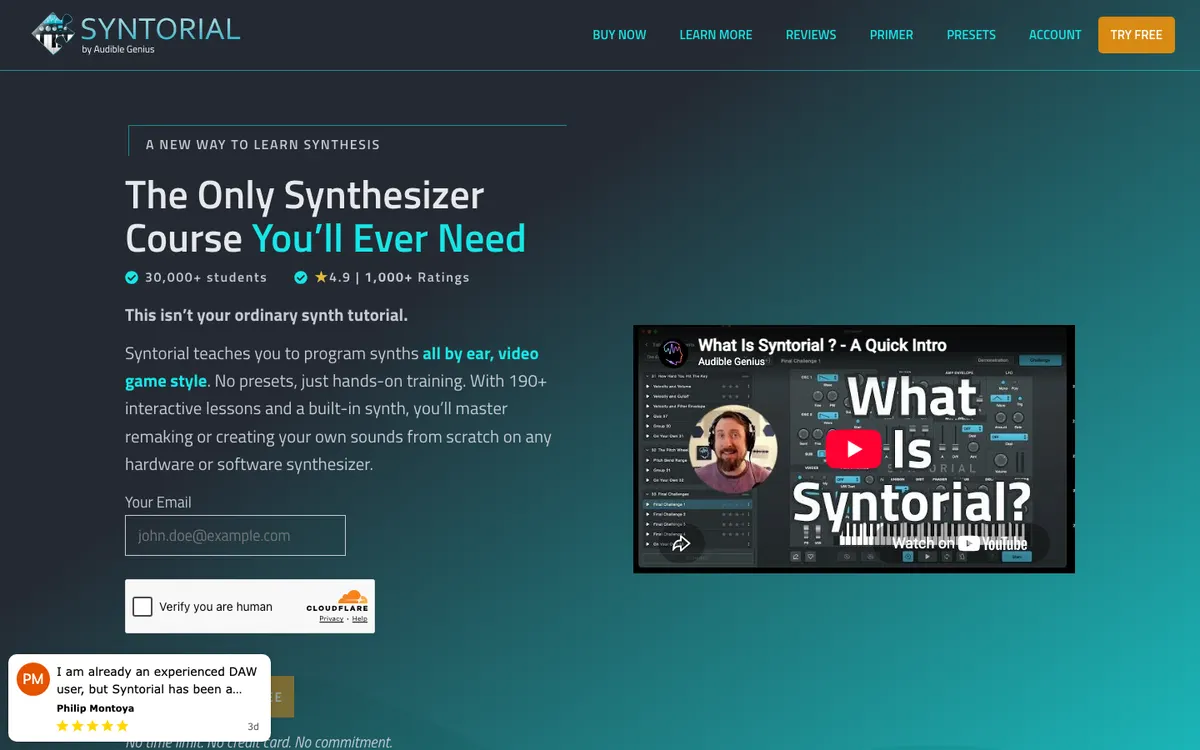
The idea is simple: Syntorial plays you a sound, and you try to recreate it on its built-in synth. Each lesson adds one control, so you learn what a filter cutoff or an envelope’s release sounds like before you learn what it’s called. On October 30, 2026, Syntorial V2 cost $129.99 one time, with lifetime access, and a free demo with no time limit.
How we reviewed it: we read the Syntorial and Audible Genius pages, including the full product details, on October 30, 2026, and compared Syntorial with the music production courses on our site. We haven’t played through all the lessons.
Some links on this site earn us a commission if you enroll. Your price stays the same. Our rankings are based on our editorial criteria; some partners may be featured more prominently. How we review
Pros & cons
- Learn-by-ear method: you hear a sound and recreate it, with instant scoring
- About 50 hours of training: 192 core lessons, 145 challenges, 148 videos and 39 quizzes
- Pay once ($129.99), use on up to three of Mac, PC and iPad with synced progress
- Free lesson packs for Serum, Massive, Sylenth1, Minimoog Voyager and Z3TA+ 2, and the built-in synth works as a plugin
- Synthesis only: no mixing, arrangement or DAW lessons
- Feedback comes from the software's scoring, not from a teacher listening to your music
- The 30-day money-back guarantee doesn't cover App Store purchases, which follow Apple's rules
Training your ears, one knob at a time
Most synth tutorials are videos: someone turns knobs and tells you what’s happening. Syntorial flips that. You watch a short video, then get a challenge: a target patch plays, and you set the controls until your sound matches. The app scores you, and you move on when you get it right.
It feels a bit like a video game, which is exactly the point. After the first lessons on a single oscillator and a filter, you start hearing the difference between a low-pass at 30% and at 60% without looking. By the later lessons, with modulation and effects, you’ll be able to listen to a lead in a song and make a reasonable guess at how it was built.
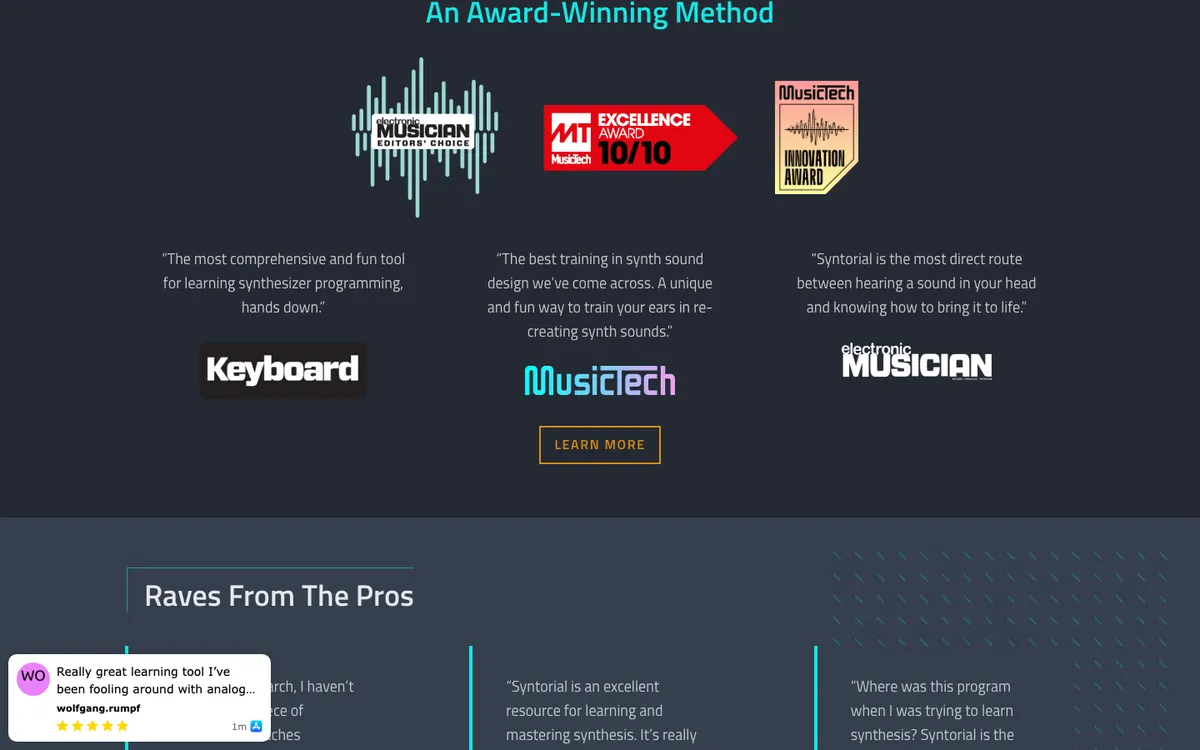
The numbers from the official page: about 50 hours of training, 192 core lessons, 145 challenges, 148 videos and 39 quizzes. Budget a few lessons per session, three or four evenings a week, and you’re looking at a couple of months.
From the built-in synth to your own
What you learn transfers. Syntorial says its training applies to most subtractive and wavetable synths, naming Xfer Serum, Vital, Pigments, Diva and Prophet among them. To help with the jump, it includes free lesson packs for Serum, Massive, Sylenth1, Minimoog Voyager and Z3TA+ 2, so you practice on the layout of the synth you actually use.
There’s a nice extra: the built-in synth from the lessons can be used as a plugin (VST or AU) in your recording software. Some of the patches you make while learning end up in real tracks.
Who gets the most out of it
A bedroom producer who’s been making beats for a year, knows their DAW, and has hit the preset wall. That’s the sweet spot: you have tracks to apply it to and a clear reason to care.
A keyboard player in a cover band who needs to recreate the synth parts of the songs on the setlist. Syntorial’s ear-first approach is exactly the skill for that job, and it transfers to hardware.
A sound designer who learned on one synth and wants to stop being lost on any other. Since the lessons teach the principles behind the controls, you’ll find your way around a new instrument much faster.
Someone with no interest in electronic sound, on the other hand, will find little here.
Practical details
You pay once and can install Syntorial on up to three platforms among Mac, PC and iPad. Progress syncs, so you can do challenges on the iPad on the couch and pick up on the studio computer. The interface works in English or Japanese; the extra lesson packs are in English only.
Version 2 brought a redesigned interface, better scoring and more lessons. If you own version 1, the upgrade is $35.99.
The demo is the honest test
Before paying, download the free demo. The homepage says it has no time limit and doesn’t need a credit card. Play through it over a weekend. If matching sounds by ear clicks for you (most people find it either addictive or annoying, rarely in between), the full version is easy to justify at $129.99, roughly the price of a couple of private lessons.
The limitation: synthesis, and only synthesis
Syntorial won’t teach you to finish a track. There’s no arrangement, no mixing, no mastering, no DAW workflow and no music theory. Audible Genius sells a separate product for theory and composition (Building Blocks), but that’s another purchase.
Feedback is automatic. The app tells you whether your patch matches, but no teacher hears your music or tells you why your drop feels flat. If you want that, you need a course with real tutors.
One more detail about refunds: the 30-day, no-questions money-back guarantee only applies to purchases made on syntorial.com. If you buy through the App Store for iPad, Apple’s refund rules apply instead. Buy on the website if you’re unsure.
Other ways to learn production
For a full production education with tutors, Point Blank Music School runs online courses in production, mixing and sound design, at a much higher price and with real feedback on your work.
If what you really want is to play keys better, Virtu Academy offers weekly one-on-one online lessons with conservatory-trained teachers on almost any instrument, from $49 per half hour on our last check. It’s a different kind of learning from Syntorial, and the two combine well for a keyboard player who also produces.
Compare the options in our music production courses ranking.
Before you buy
Install the demo on the device you’ll use most and do ten lessons. If you’re matching sounds and wanting more, buy the full version on syntorial.com to keep the 30-day guarantee, then grab the free lesson pack for your main synth. Keep a notebook of the patches you build; by the end, it’s your own preset library.
Videos about Syntorial / Audible Genius
30-day 100% money-back guarantee on purchases made on syntorial.com; App Store purchases follow Apple's refund policy.
One-time purchase ($129.99); no monthly or annual subscription.
No public discount was listed on the official site when we checked. We never publish unverified coupon codes.
Syntorial / Audible Genius vs alternatives
How Syntorial / Audible Genius stacks up against other music production programs we reviewed, on the facts published by each provider.
Swipe sideways to compare all 3 programs →
| Criterion | This review | ||
|---|---|---|---|
| Our score | 8.9/10 | 8.7/10 | 8.5/10 |
| Price | $130 | $49 – $84 | — |
| Format | App | Live online | Live online |
| Duration | About 50 hours over 192 core lessons (Syntorial V2), self-paced, plus free lesson packs | 30- or 60-minute live lessons. | — |
| Free trial | Free demo with the first 22 of 199 lessons. | — | — |
| Best for | Producers and keyboard players who want to make their own synth sounds by ear instead of relying on presets. | Families and adult learners who want weekly one-on-one lessons with a conservatory-trained teacher, online, on almost any instrument. | Producers and DJs who already make music and want a structured course with live classes and tutor feedback on their tracks. |
| Read more | You are here | Virtu Academy reviewHead-to-head → | Point Blank Music School reviewHead-to-head → |

“—” means the information was not published or not yet checked. See all 3 music production programs.
Score breakdown
199 interactive ear-training lessons on synthesis.
Well-regarded synth training tool.
$129.99 one-time for lifetime access, about 50 hours of lessons, 30-day money-back guarantee and a free 22-lesson demo.
Self-paced software.
Software-based learning only.
Weighted average of five criteria. Read our methodology.
FAQ
How much is Syntorial?
$129.99 for lifetime access to Syntorial V2 on the official site on October 30, 2026. It's a one-time purchase, not a subscription, and covers up to three platforms (Mac, PC, iPad). Owners of version 1 can upgrade for $35.99.
Is Syntorial worth it for beginners?
Yes. It starts from zero and builds up control by control. Try the free demo first: it has no time limit and doesn't ask for a credit card, so you'll know within a few lessons whether the ear-training method works for you.
Does Syntorial work with Serum and Vital?
Yes. The skills apply to most subtractive and wavetable synths, and Syntorial includes free lesson packs for Serum, Massive, Sylenth1, Minimoog Voyager and Z3TA+ 2. Vital isn't one of the packs, but the official page lists it among the synths the training transfers to.
Head-to-head comparisons
Sources
Prices and offers can change; confirm on the official site before you enroll.