
8.6/10Editorial score
- Price
- Free first month; price at sign-in
- Best for
- Professionals who want broad career upskilling.
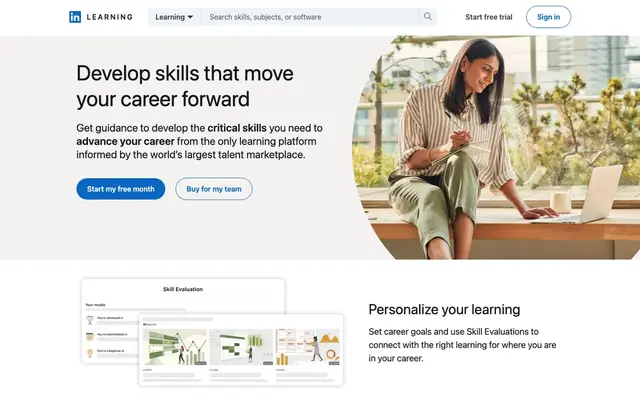
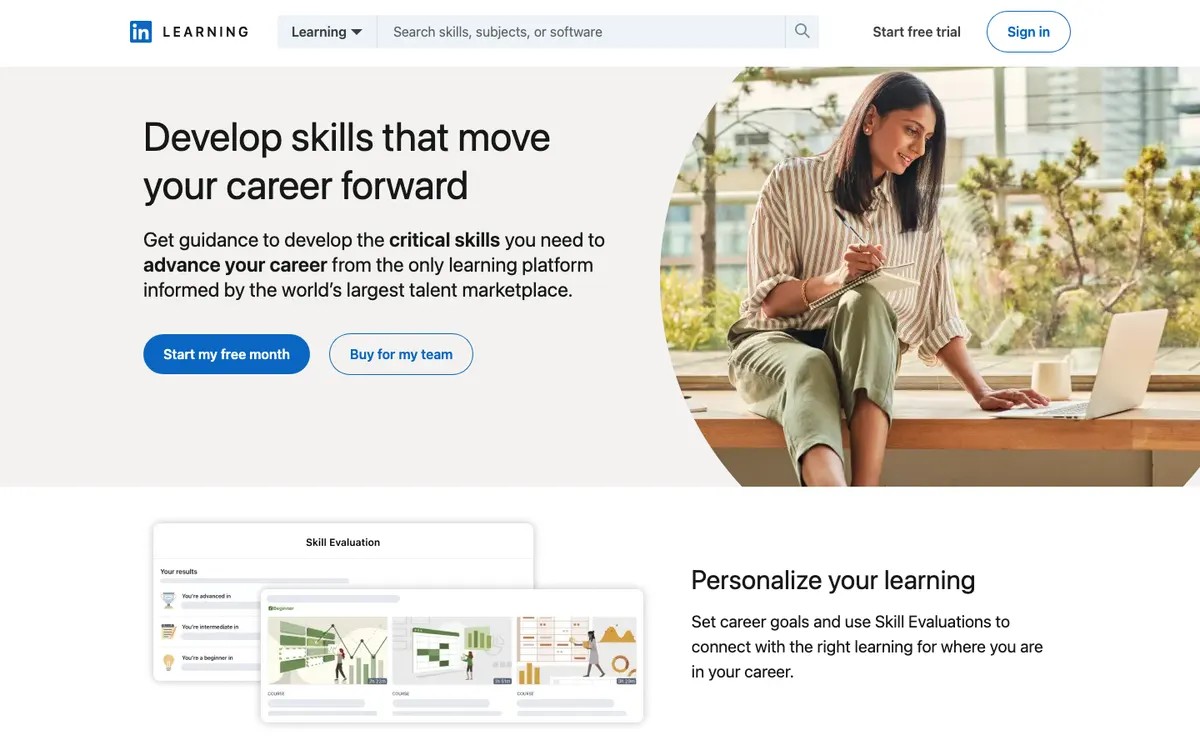
LinkedIn Learning is the better choice for career and business skills: a library of 26,400+ courses, certificates that show on your profile and a free first month. Skillshare is the better pick for creative hobbies and freelance work you learn by making a project.
Choose LinkedIn Learning if…you want business, tech or creative skills for your career, want completions to show on your LinkedIn profile, and may get access free through a library, employer or LinkedIn Premium.
 Choose Skillshare if…
you want creative classes in illustration, design, photography, video or crafts, learn by making a project, and are happy with an annual membership after a 7-day trial.
What tips the choicewhether you are learning for your job or for your creative practice. For career skills, LinkedIn Learning's library and profile integration fit better. For making things, Skillshare's project-based classes are more motivating.
We may earn a commission when you buy through links on this page. It never affects our rankings, which come from our published editorial criteria. Affiliate disclosure.
| Criterion | LinkedIn Learning | Skillshare |
|---|---|---|
| Editorial scoreWeighted average of our five criteria | 8.6/10Higher score | 8.4/10 |
| PriceAs published on the official site | Not displayed without signing in (checked October 13, 2026); one free month | Annual membership; price not displayed before sign-up (checked October 13, 2026) |
| Payment plansHow the cost can be spread | Subscription (often bundled with LinkedIn Premium). | Annual plan billed in full after the 7-day trial; month-to-month only through the app stores; gift memberships of 3, 6 or 12 months in the US |
| FormatHow you study | Subscription | Subscription |
| DurationTime to finish or access period | Subscription; 26,400+ courses (October 13, 2026) | Annual membership with unlimited classes; classes are short video lessons, many under an hour |
| CertificateWhat you receive at the end | Certificates of completion; Professional Certificates from providers like Microsoft and Zendesk; prep for 120+ external credentials (certifications, CEUs, academic credits). | Certificates to celebrate accomplishments. |
| Free trialWays to test before paying | One free month. | 7 days free for eligible new subscribers; the annual membership is then billed in full unless you cancel |
| Refund policyYour way out if it is not a fit | Not published | Refund only once, if you contact support within 48 hours of the first charge after a 7-day trial and haven't used Skillshare since; no refunds on renewals or after longer trials (help center, October 30, 2026). |
| Best forWho it suits | office and tech professionals who learn in short sessions and want completion certificates that show on their LinkedIn profile. | Hobbyists and freelancers who want to sample many short creative classes (illustration, design, video, writing) on one subscription. |
“Not published” means the provider did not state it or we could not confirm it. Program data checked October 5, 2026. Comparison updated October 13, 2026.
LinkedIn Learning: Very broad library with learning paths. · Skillshare: Broad project-based creative catalog.
LinkedIn Learning: Owned by LinkedIn/Microsoft; partner certificates. · Skillshare: Well-known creative learning platform.
LinkedIn Learning: Free month; often free via libraries. · Skillshare: Free trial; prices unverified.
LinkedIn Learning: On-demand. · Skillshare: On-demand classes.
LinkedIn Learning: Self-directed learning. · Skillshare: Community-based support.
Scores out of 10 from our published method; the overall score is the weighted average.
Neither platform showed its price on the pages we could read without an account on October 13, 2026, so we compare the terms instead.
LinkedIn Learning offers a free first month. Access is often bundled with LinkedIn Premium, and many public libraries give members free access, which can make it the cheapest option by far.
Skillshare offers eligible new subscribers 7 days of unlimited classes. When the trial ends, the annual membership starts and is billed for the full year, and all memberships renew automatically until canceled. Check the amount at checkout before you start the trial.
| What you want | LinkedIn Learning | Skillshare |
|---|---|---|
| Try it | One free month | 7 days free (new subscribers) |
| Free access route | Often through libraries or employers | None mentioned |
| After the trial | Subscription, price at sign-in | Annual membership, billed in full |
Both score 8.4/10 on value. On terms alone, LinkedIn Learning gives you more time to test and more ways to pay nothing.
Before you pay for either, check three things: your public library’s online resources, your employer’s learning benefits, and whether you already pay for LinkedIn Premium. Any of them can give you LinkedIn Learning at no extra cost. If none applies and your goal is creative, Skillshare’s trial is the next step.
WinnerLinkedIn Learning, for the longer trial and free access routes.
LinkedIn Learning, owned by LinkedIn, has a clear edge for career use. Certificates of completion can be added to your profile, where recruiters already look. It also hosts Professional Certificates from providers such as Microsoft and Zendesk, and says more than 2,000 courses prepare learners for over 120 external credentials, including certifications, continuing education units and academic credits. You earn those credentials separately.
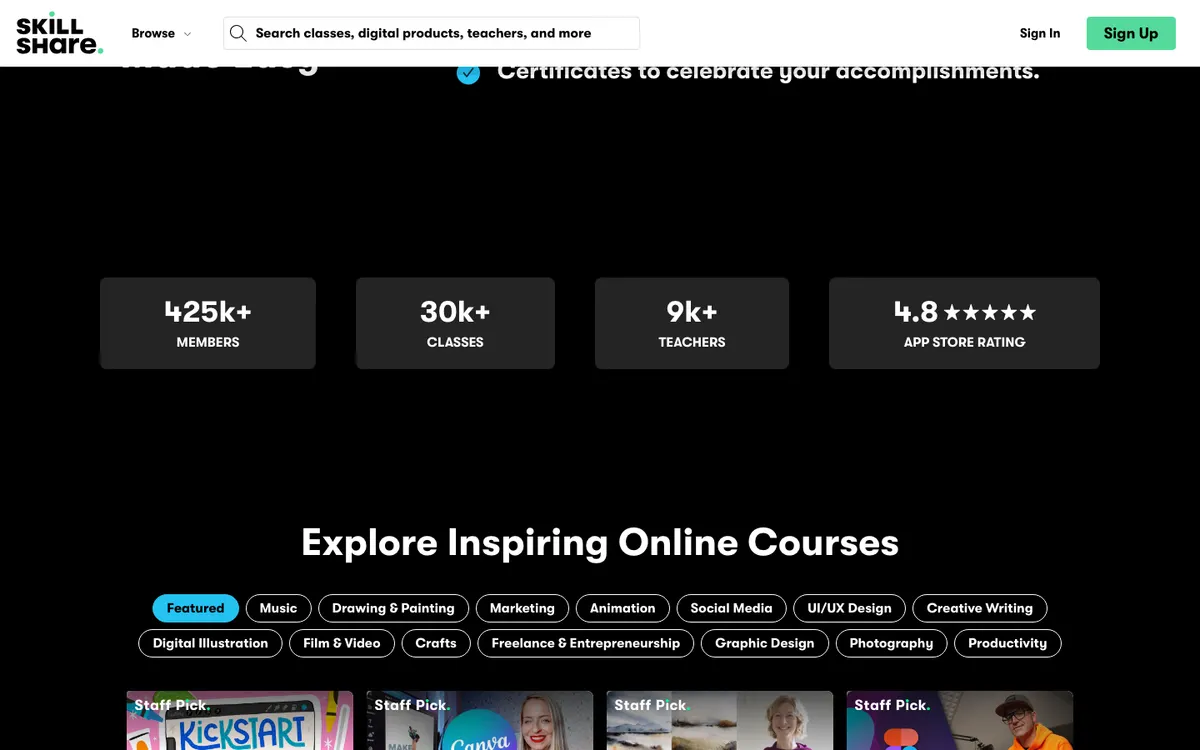
Skillshare is a well-known creative learning platform and presents its classes as taught by industry leaders and working professionals. It mentions certificates to celebrate accomplishments, but in creative fields your portfolio matters more than any certificate.
Our credibility scores: 8.9/10 for LinkedIn Learning, 8.4/10 for Skillshare.
Keep expectations realistic on both sides. A course certificate on your LinkedIn profile signals initiative; it does not prove you can do the job. Pair it with something you built using the skill, such as a report, a dashboard or a design, and mention it in interviews. On Skillshare, the class project is that proof by design.
WinnerLinkedIn Learning.
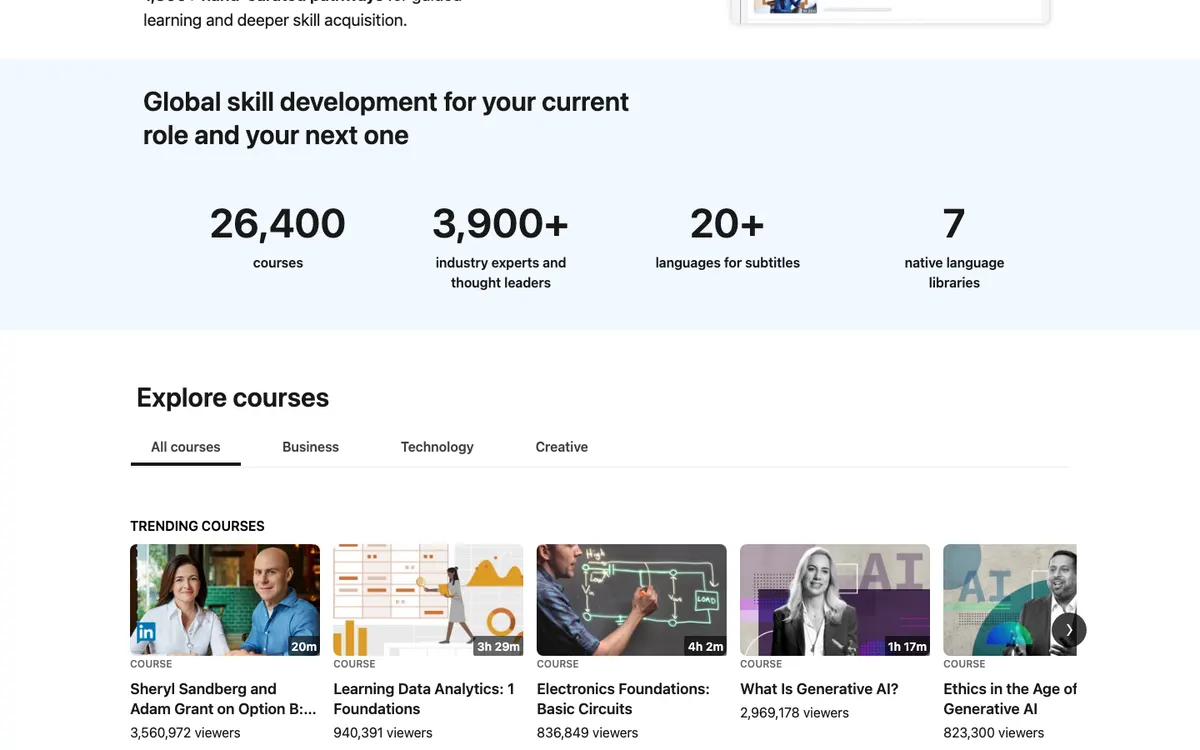
LinkedIn Learning offers more than 26,400 courses across business, technology and creative skills, grouped into learning paths. Most are short videos, which suits a lunch break but goes less deep than a full program.
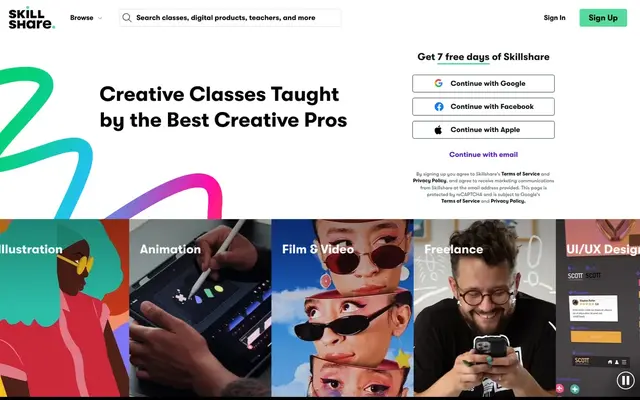
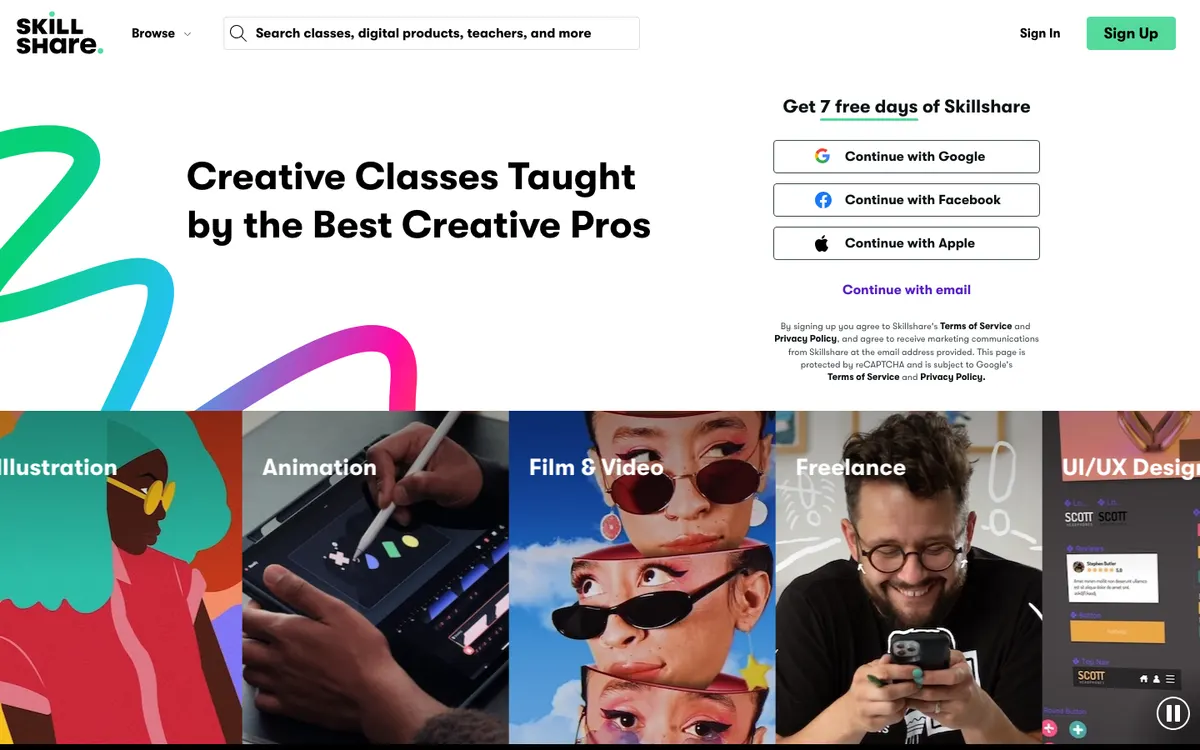
Skillshare focuses on creative work: graphic design, illustration, surface pattern design, photography, filmmaking, content creation, UI/UX design, marketing, crafts, music and entrepreneurship. Classes are short and usually end with a project you make and can share in the class gallery. Beyond the membership, Skillshare’s site also sells digital products and 1-on-1 sessions.
LinkedIn Learning’s breadth gives it the higher curriculum score, 8.9/10 against 8.4/10. If your goal is creative, Skillshare’s narrower catalog is the better fit.
WinnerLinkedIn Learning, for breadth; Skillshare for creative projects.
Both are on-demand and score 9.5/10 on flexibility.
LinkedIn Learning works like a reference library for your job: search a topic, watch a few short videos and get back to work. Learning paths add structure if you want it.
Skillshare works best when you commit to making something. A typical session is one short class and some time on its project. The risk is watching without doing, so pick one project a month and finish it.
A simple way to choose: write down the one thing you want to be able to do in three months. If it is a work task, start with LinkedIn Learning’s free month. If it is a creative piece, start with Skillshare’s trial and complete one class project inside the seven days.
WinnerTie.
Support is limited on both, and both score 7.3/10. LinkedIn Learning is self-directed; Skillshare relies on its community and class projects.
Neither showed refund terms for paid periods on the pages we read. With Skillshare, the key date is the end of the 7-day trial: cancel before then to avoid the annual charge. With LinkedIn Learning, set a reminder before the free month converts, and check whether your library or employer already gives you access.
WinnerTie.
LinkedIn LearningSkillsharePick LinkedIn LearningLinkedIn Learning covers business, technology and management topics in short videos, and certificates of completion attach to your LinkedIn profile.
Pick SkillshareSkillshare's classes in illustration, surface pattern design, crafts and more end in a project you make and share in the class gallery.
Pick LinkedIn LearningMany public libraries provide free access to LinkedIn Learning, and it is often bundled with LinkedIn Premium. Check both before paying for either platform.
Other online course platforms options we reviewed, ranked by editorial score.

Career changers with a concrete plan of two or more Coursera certificates, such as a Google certificate followed by a specialization, who can study steadily for a year.
Working photographers, designers and video editors who want a big on-demand library plus live classes they can ask questions in.

Self-directed learners who want one specific course from a named university, and who want to try it free before paying for the certificate.
For career skills, yes. LinkedIn Learning scores 8.6/10 against 8.4/10 in our review, ahead on curriculum and credibility. The two tie on value, flexibility and support. Skillshare is the better choice for creative, project-based learning.
Neither showed its price on the pages we could read without signing in, on October 13, 2026. LinkedIn Learning offers a free first month and is often bundled with LinkedIn Premium or free through public libraries. Skillshare offers 7 days free, then bills its annual membership in full.
Both give certificates of completion, which are not accredited credentials. LinkedIn Learning's attach to your profile, and it also hosts Professional Certificates from providers such as Microsoft and Zendesk. Skillshare mentions certificates to celebrate accomplishments.
The annual membership begins and is billed for the full year. Cancel before the trial ends if you do not want to continue; the offer is only for eligible new paid subscribers.
It covers creative topics, alongside business and technology, but its short-video format is less hands-on than Skillshare's project-based classes. For design software skills used at work, LinkedIn Learning works well; for a creative practice, Skillshare fits better.
LinkedIn says more than 2,000 of its courses prepare learners for over 120 external credentials, including continuing education units and academic credits. Check with your licensing body or school that the specific course qualifies before you rely on it.
We score each program on curriculum, credibility, value, flexibility and support, using the provider’s official pages; see how we score. The comparison above was written from these sources and re-checked against the official sites on October 13, 2026. Prices and terms change: confirm them on the official site before you enroll.
LinkedIn LearningChecked October 5, 2026
We may earn a commission when you buy through links on this page. It never affects our rankings, which come from our published editorial criteria. Read our affiliate disclosure.