On this page · 15 sections6 min read
- 01Our verdict
- 02At a glance
- 03Pros & cons
- 04What you’ll learn
- 05Format, schedule and time commitment
- 06Accreditation and what the credential is worth
- 07Price, payment plans and refunds
- 08Who it’s best for — and who should skip it
- 09Pros and cons in detail
- 10How it compares
- 11Lightroom & Photoshop Tutorials (LRPS) vs alternatives
- 12How to enroll
- 13Score breakdown
- 14Key facts
- 15FAQ
Our verdict
Our verdict8.1/10Lightroom & Photoshop Tutorials (LRPS) teaches photo editing through self-paced courses on Lightroom and Photoshop, aimed at photographers from beginners to more advanced editors.
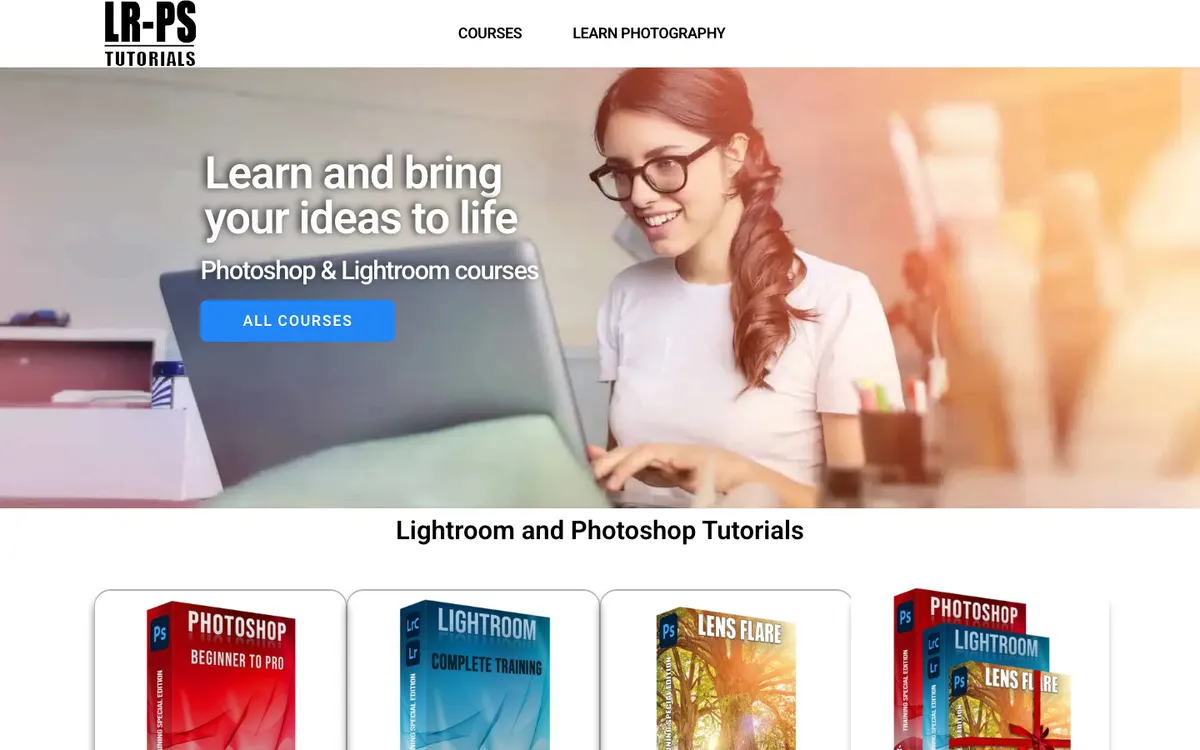
The site notes that no prior experience with the software is needed, only basic computer skills, and it bundles custom tools and presets designed to automate repetitive edits. Plans are sold as subscriptions on an enrollment page, but prices were not shown on the pages we could load, so check before committing. You will also need your own Adobe subscription. It suits photographers who want a focused, editing-only curriculum rather than a broad creative platform.
Best for: Photographers who want structured Lightroom and Photoshop editing lessons plus time-saving custom tools.
At a glance
Lightroom & Photoshop Tutorials (LRPS) teaches photo editing through self-paced courses on Lightroom and Photoshop, aimed at photographers from beginners to more advanced editors. The site notes that no prior experience with the software is needed, only basic computer skills, and it bundles custom tools and presets designed to automate repetitive edits. Plans are sold as subscriptions on an enrollment page, but prices were not shown on the pages we could load, so check before committing. You will also need your own Adobe subscription.
Pros & cons
- Self-paced Lightroom and Photoshop training
- Includes custom tools and presets to automate edits
- Beginner-friendly: no prior software experience needed
- Pricing not shown on the pages we could load
- Adobe subscription required separately
What you’ll learn
LRPS concentrates on editing photographs in Lightroom and Photoshop. Its description includes beginner instruction, more advanced techniques, and custom presets and actions intended to reduce repetitive work. Those tools can support a workflow, but they do not explain why an adjustment improves a particular image unless the learner also understands the underlying lesson.
LRPS describes learning paths and opportunities for questions or critiques during live interactions. Confirm which of those activities belongs to the plan you select and when it is available. The accessible pages do not establish a single detailed module sequence or a fixed amount of individual feedback across every subscription.
Format, schedule and time commitment
The main courses are self-paced, while live Q&A sessions or webinars create separate calendar commitments. Being able to watch an editing lesson whenever you choose is different from having an instructor available at that same moment. Check both forms of access if live interaction is a major reason to subscribe.
A standard course length and subscription access period could not be established from the available information. Editing also requires time on your own images beyond the demonstration. Repeat techniques, compare the results, and practice building a consistent workflow rather than equating installed presets or completed videos with mastery of the tools.
Accreditation and what the credential is worth
The offer does not establish named accreditation or an external professional credential. LRPS sells software-skills instruction, so its practical value is whether you can make deliberate edits and explain the choices behind them. That is a useful learning goal without implying a formal qualification.
That focus is appropriate for a photographer seeking better post-processing, but it is different from an academic photography qualification. The use of Adobe product names should not be interpreted as a claim that Adobe awards a certification through this subscription. If a formal credential is required, verify the exact issuer and assessment separately before purchasing on that basis.
Price, payment plans and refunds
The website directs visitors to an enrollment page for subscription plans, but the pricing URL available during this assessment did not provide usable totals. Current price, billing interval, financing, and discounts therefore remain unverified here. Get those details for the selected plan before comparing it with a broader photography membership.
You need your own Adobe subscription; the LRPS learning plan should not be assumed to include Lightroom or Photoshop. Confirm supported versions, included presets and custom tools, and any extra costs. Cancellation and refund rules also require direct confirmation because the available pages do not establish a universal money-back window.
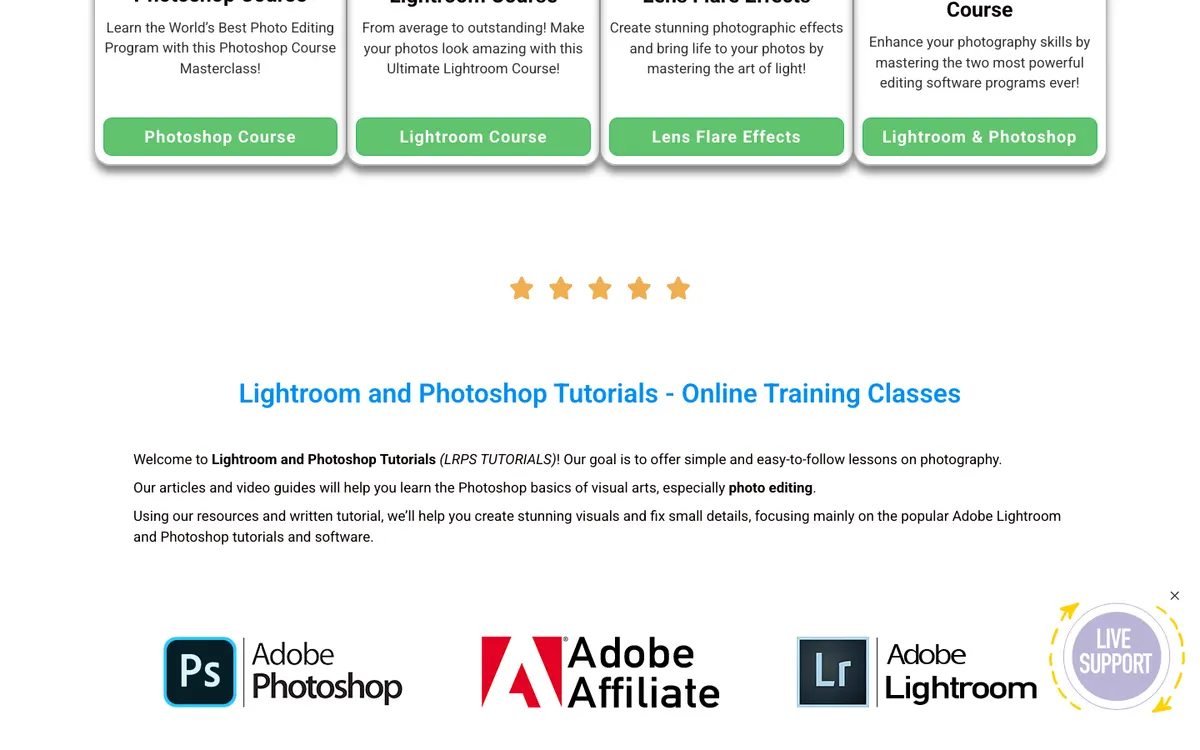
Subscription plans (see enrollment page).
No public discount was listed on the official site when we checked. We never publish unverified coupon codes.
Who it’s best for — and who should skip it
LRPS fits photographers whose main obstacle is post-processing rather than camera operation or a shooting genre. Its focused editing curriculum may be easier to navigate than a broad creative platform. Beginners need basic computer skills but no previous software experience, making it an option to investigate when first becoming comfortable with Lightroom and Photoshop.
Skip it if the immediate goal is understanding exposure, lighting a portrait, or learning field technique without substantial software work. A broad photography school may be a better fit for those subjects. Also postpone payment if the provider cannot clearly state the plan price, software requirements, and support included, because those are central to the practical cost of using the course.
Pros and cons in detail
- Dedicated Adobe instruction: Lightroom and Photoshop courses support self-paced study.
- Workflow tools included: Custom tools and presets can automate repetitive edits.
- Beginner entry: Prior experience with the software is not required.
- Plan costs remain unclear: Prices were not visible on the accessible pages.
- Software is separate: You must also maintain the required Adobe subscription.
The narrow Adobe focus can make the catalog easier to relate to an editing problem. Presets and actions may reduce repetitive steps once the learner understands their effect, and the beginner entry requirements make the offer approachable for someone new to the software.
The limitations are incomplete commercial detail and dependence on separate software access. A preset is not a substitute for understanding an image, while a general statement about live feedback does not establish a recurring private coaching service. Confirm the plan’s actual lessons, tool compatibility, live-session schedule, and review limits before assigning those features value in a comparison.
How it compares
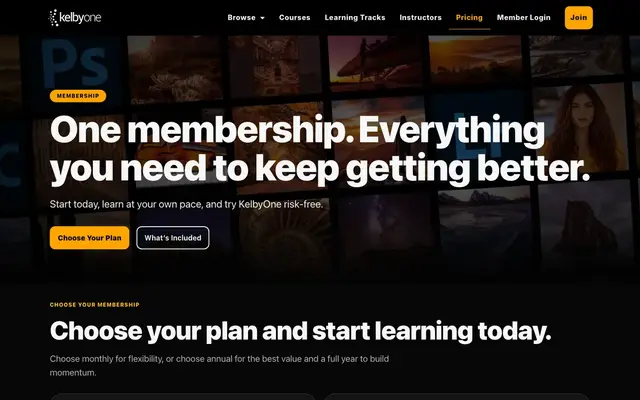
KelbyOne Membership includes Lightroom and Photoshop within a broader photography library, adding a new course every week. Its displayed monthly price is $19.99 against $24.99, with annual access at $199 against $249, or roughly $16.58 per month. Visible prices make the financial comparison easier, but check the type of instructor interaction rather than assuming it matches LRPS’s live opportunities.
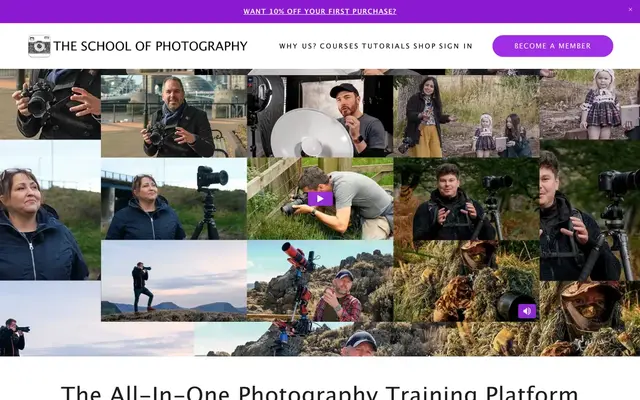
The School of Photography Membership mixes editing with shooting genres, assignments, and critiques. Access costs $22 monthly (GBP 16) or $155 annually (GBP 115), about $13 per month under yearly billing, and includes courses plus more than 100 hours of webinar replays. It is the more relevant scope comparison if you want to improve camera skills alongside Adobe workflows.
The alternatives provide a useful scope comparison even though a verified LRPS total is missing. A focused editing subscription may avoid unrelated material, while a broad photography library can offer better variety for someone improving several parts of the image-making process. Neither structure is inherently better without a specific learning goal.
Compare software versions and the type of practice included. A course demonstrating a workflow in a different application version may still teach useful concepts, but the buyer should know whether the interface and tools match the installed software. Also distinguish downloadable presets, exercise files, and live critiques; they support different parts of learning and should not be counted as equivalent bonuses.
Because no current LRPS plan price is established, this review does not declare it cheaper than either membership. Request the complete total and terms, then compare them over the period you expect to study, including the separate software subscription needed to follow the lessons.
Other editing and shooting options appear in the Photography category. The review methodology explains the curriculum, credibility, value, flexibility, and support criteria used to assess LRPS despite the incomplete subscription terms.
Lightroom & Photoshop Tutorials (LRPS) vs alternatives
How Lightroom & Photoshop Tutorials (LRPS) stacks up against other photography programs we reviewed, on the facts published by each provider.
Swipe sideways to compare all 4 programs →
| Criterion | This review | |||
|---|---|---|---|---|
| Our score | 8.1/10 | 8.8/10 | 8.8/10 | 8.7/10 |
| Price | — | $19.99 – $199 | $22 – $155 | $15 – $149 |
| Format | Subscription | Subscription | Subscription | Self-paced |
| Duration | Self-paced. | Membership; a new course every week. | Membership; 100+ hours of recorded webinars plus courses. | Self-paced with lifetime access and updates (practice bank: 2 months). |
| Best for | Photographers who want structured Lightroom and Photoshop editing lessons plus… | Photographers who want ongoing Lightroom, Photoshop and photography training from… | Hobbyist photographers who want a broad library of genre courses and recorded webinars at… | Photographers who want instructor-led courses with assignments and feedback, or a Part… |
| Full review | You are here | KelbyOne review | The School of Photography review | Peltier Photo Courses review |



“—” means the information was not published or not yet checked. See all 5 photography programs.
How to enroll
Follow the official Courses and enrollment navigation to locate the available plan. The pricing URL examined did not provide a valid comparison, so it is not a reliable basis for choosing a subscription. Where available, try a complimentary tutorial to check the teaching style and whether the demonstrated software matches yours.
Before subscribing, confirm the price, billing interval, renewal, cancellation, refund policy, software version, and included tools. Ask how live questions and critiques are scheduled and whether they belong to the selected plan. Prepare images for practice and choose a defined editing workflow to study first.
LRPS course descriptions and photography-membership alternatives consulted October 5, 2026: source 1, source 2, source 3.
Score breakdown
Focused Lightroom/Photoshop curriculum with tools.
Independent niche training site.
Prices not verified.
Self-paced.
Support details not stated.
Weighted average of five criteria. Read our methodology.
Key facts
FAQ
Do I need Photoshop experience?
No, the site says no prior experience is needed, only basic computer skills.
Does LRPS include Adobe software?
No, you need your own Adobe Lightroom/Photoshop subscription.
Sources
- https://lightroom-photoshop-tutorials.com/
- https://lightroom-photoshop-tutorials.com/error-404/
- https://kelbyone.com/
- https://www.theschoolofphotography.com/
Information checked on October 5, 2026. Prices and offers can change; confirm on the official site.